Your digital flight logbook and progress tracker, free for all FLYwithMIKI students.
Our own app · iPhone & Android · free for every student
FlightDeck: the app that logs your flights for you
No paper logbook, no form to fill in after a long day. Miki built FlightDeck for his own students: it notices your takeoff and landing, writes the flight into your flight book and sends it to Miki. You always see where you stand, and so does he.
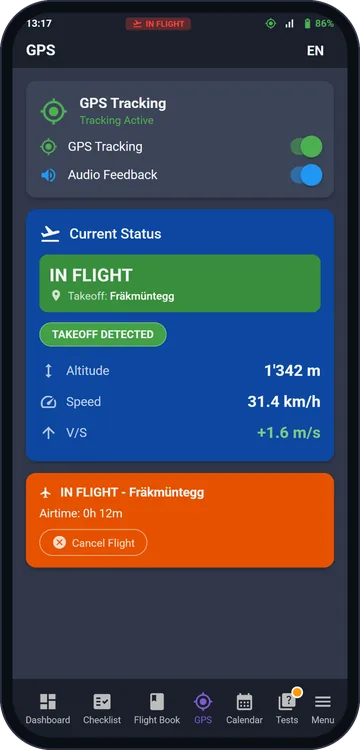
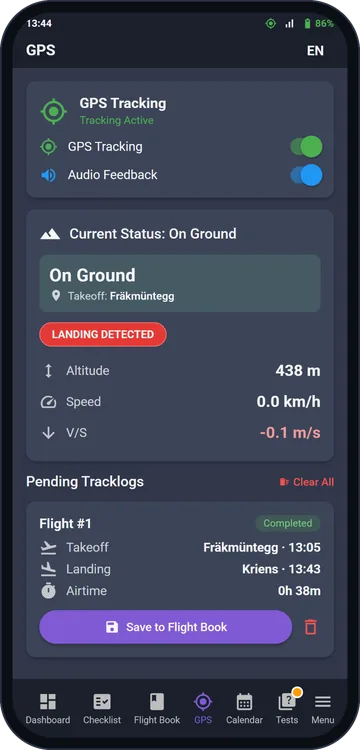
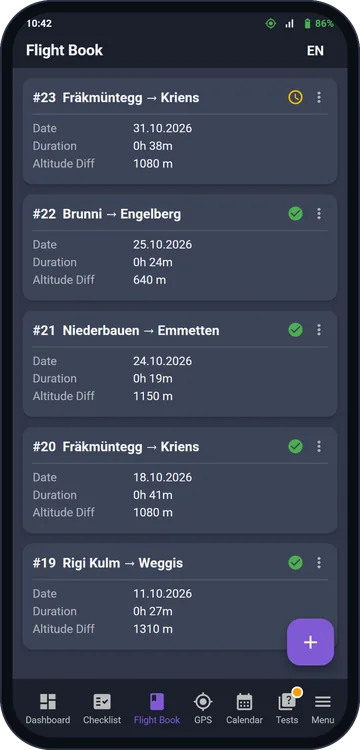
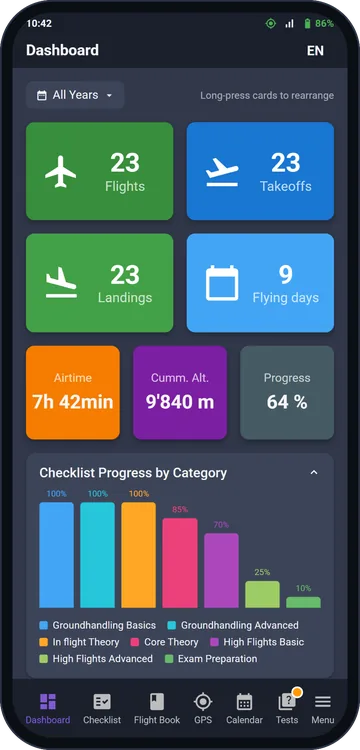
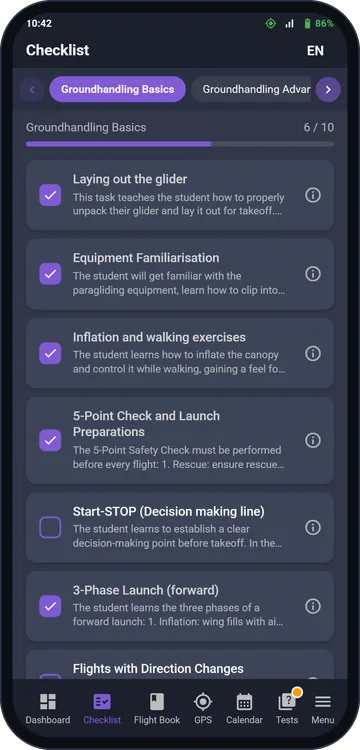
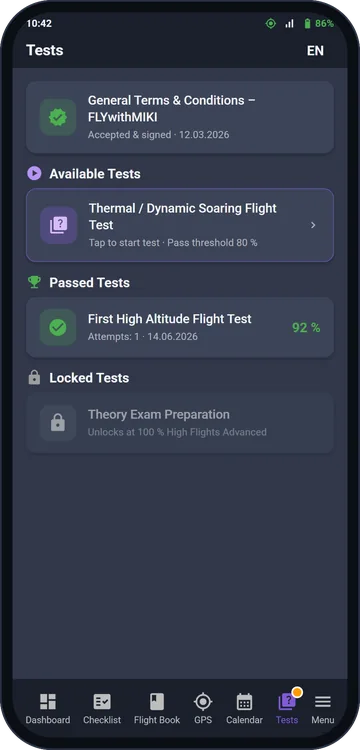
Takeoff detectedLanded: one tap to saveYour flight bookYour progressEvery exercise ticked offTheory tests
🛫
Takeoff and landing, detectedGPS and motion sensors recognise launch and landing, with a sound signal.
📖
One tap into your flight bookTakeoff and landing site, airtime and altitude difference are already filled in. Tracklogs import as GPX, IGC or KML.
✅
Miki sees every flightYour flights go to Miki for approval, so every training day starts exactly where you left off.
📊
Your progress at a glanceFlights, airtime and flying days, and the training syllabus ticked off exercise by exercise.
📝
Theory and testsTheory self-study, and tests that unlock as your training progresses, all the way to exam preparation.
📅
Course calendarSign up for theory evenings and flying days with one tap.
Works without reception at the takeoff · English, German, Italian, French · after your licence it stays your personal logbook
Screens show demo data.
📲 Available on Android & iOS
FlightDeck is available as a native app for both platforms:
🤖
Android
🍎
iOS
For FLYwithMIKI students only. The app is not available on public app stores. Once you register for our paragliding school, you'll receive your personalized login credentials and can download the app directly.
How to register
Click the WhatsApp button below
Send Miki your preferred email address
Miki will set up your account and send you the login details
Download the FlightDeck app and log in
Ready to register? Send Miki your email address on WhatsApp: